Get it
Upload a PDF, place the signatures, send a link. The people you send it to never need an account, and nothing lingers: every document erases itself on a schedule.
- No account needed to sign
- Free to try
- Every mark verifiable
From a PDF to proof, in two screens.
No dashboard to learn. You start with one box, and you finish with a download and the evidence behind it.
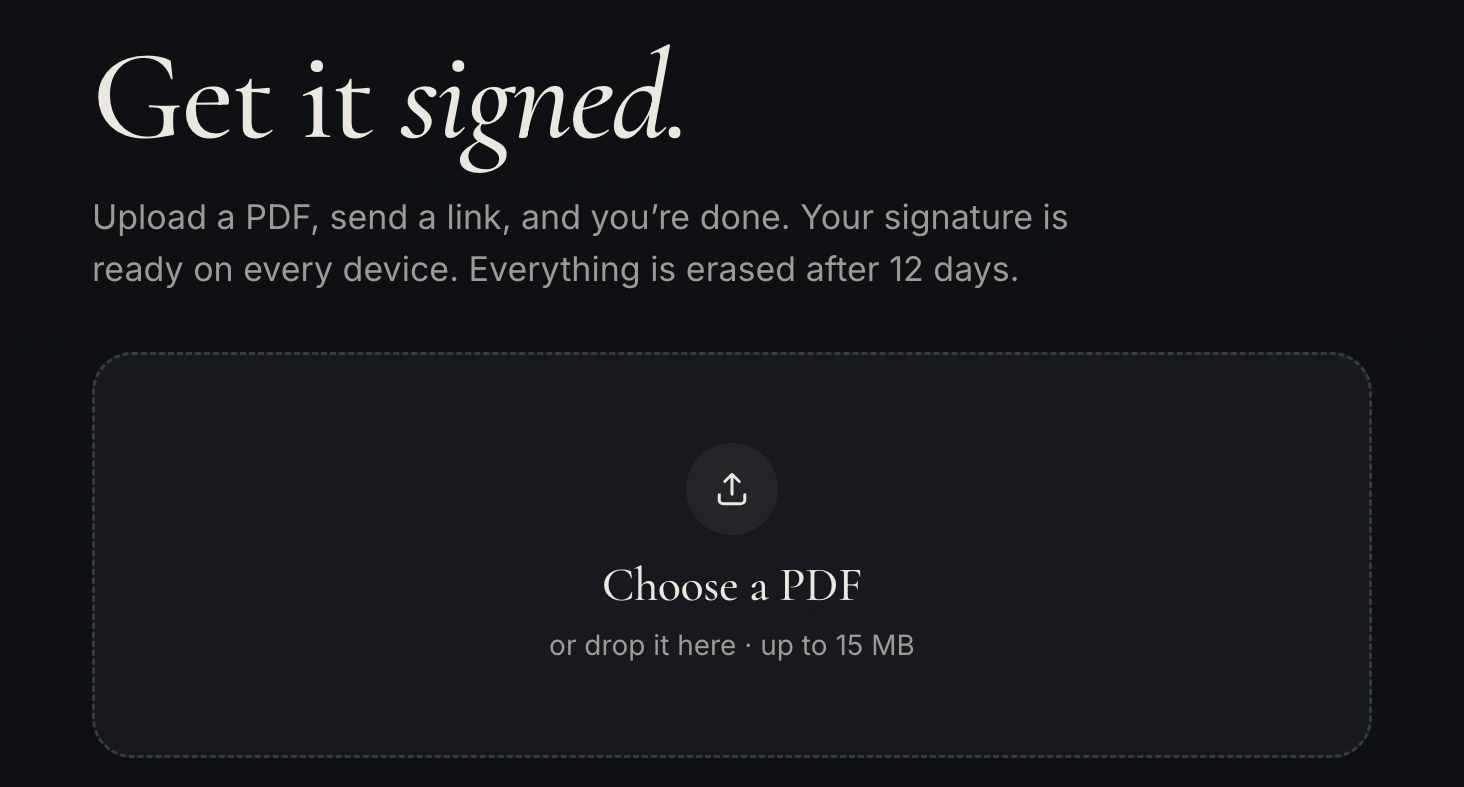
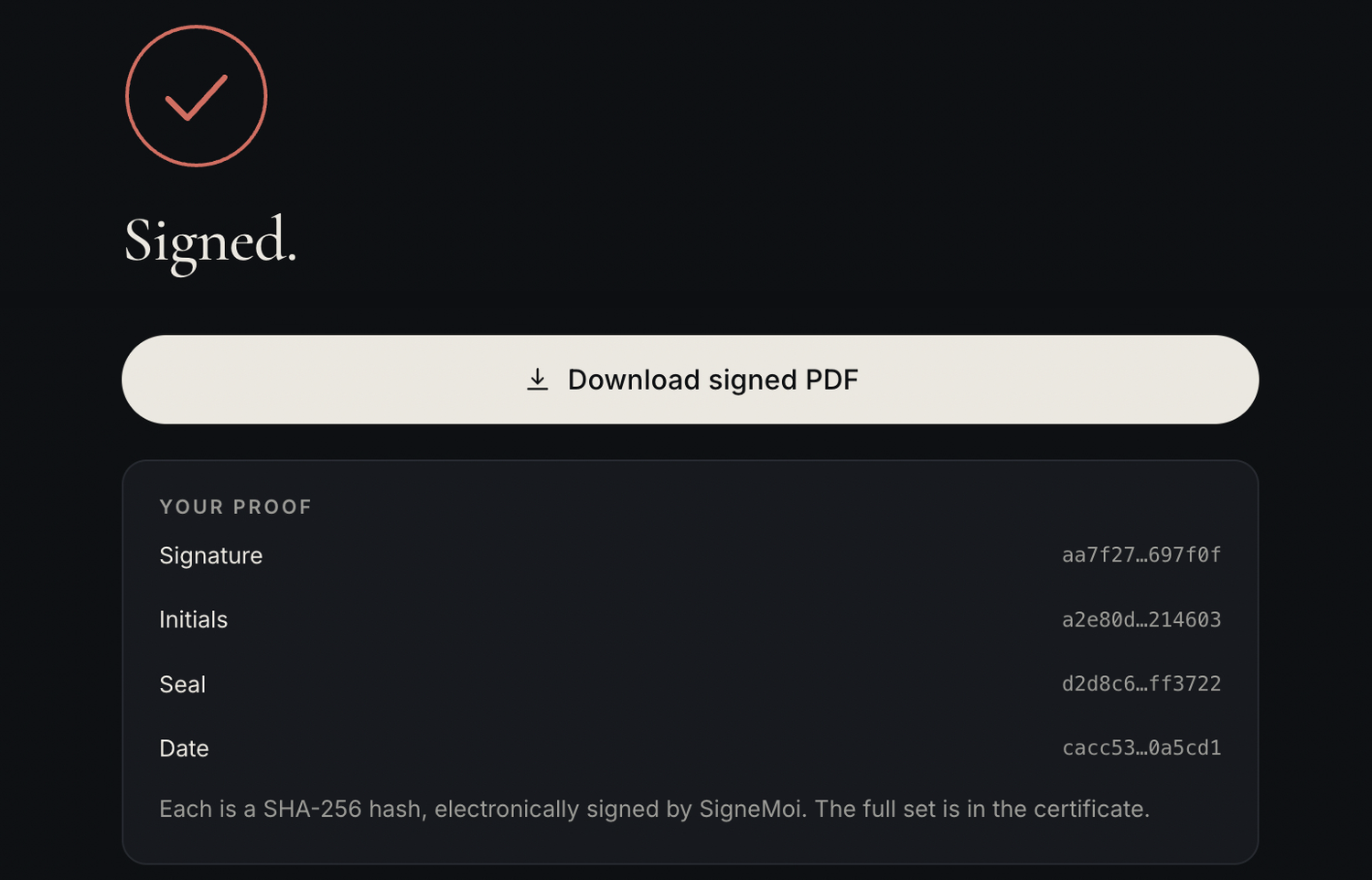
Four taps from file to signed.
Made to be finished on a phone, in the time it takes to read the document.
Choose the PDF
Drop a file in, or take it from an SFTP server if your company uses one.
Say who signs
Add a name for each person, and an e-mail address if you want us to send them their private link.
Place the fields
Tap the page to put a signature, initials, seal or date exactly where each person needs it. Mark each field required or optional.
Send
Everyone gets their own link. You follow progress on one tracking page and download the signed copy when the last person signs.
Everything a signature needs. Nothing it doesn’t.
Minimal on purpose: fewer screens, fewer places for your documents to be.
No account for signers
A private link is all a signer needs. They read, sign and are done. Senders can also work as guests, with no registration at all.
Sign your way
Draw with a finger or mouse, type your name in a handwriting style, or upload an image. Drawing straight on the field works too.
Signatures, initials, dates, seals
Place any mix per person. Upload your own seal as a PNG or SVG.
You decide what makes it valid
Mark each field required or optional. A signer can’t finish while a required field is empty, so the document is only complete when you say it is.
Proof built into the file
Every signature, initial and date carries its own electronic seal, chained together. The finished PDF includes a certificate page and a receipt you can check later.
Verify any signed PDF
Drop a finished document on the verify page to confirm it is exactly the one that was signed, and untouched since.
E-mailed links
Add an address and we send the signer their link. Without one, copy the link and send it your own way.
Built for phones
Large targets, a button that never falls off the screen, light and dark themes, and no app to install.
Light and dark
Paper by day, ink by night. It follows your device, and it reads well at either.
One tracking page
See who has signed and who is still waiting, whether each e-mail went out, and resend it or issue a fresh link. Download the signed PDF and a machine-readable receipt, or erase it all now.
Certificate and JSON receipt
The signed PDF ends with a certificate page of every mark, time, IP address and device. A signed receipt file travels with it for your own records or systems.
Decline to sign
A signer who isn’t ready can decline. You see it on the tracking page instead of waiting in silence, and the document can no longer be signed.
Several signers, one document
Add up to ten people per document, each with their own fields and their own private link.
Install it like an app
Add SigneMoi to your phone’s home screen and it opens full-screen. No store, no download, nothing to update.
Open, checkable proofs
Signatures use Ed25519 and SHA-256, standard primitives anyone can verify, with the signing key’s fingerprint printed on every certificate.
The safest document is the one we no longer have.
Every document gets a fixed lifetime when it is created, enforced on every request and by a sweeper. When time is up, the links stop working, the files are overwritten and removed, and nothing is kept “just in case”. Download your signed copy before then, because we can’t bring it back.
Every mark, sealed and chained.
Each signature, initial, seal and date gets its own electronic signature, and each links to the one before it. Change one byte after signing and verification fails.
Closed even to us.
Companies can have every finished document encrypted with keys that only their own people hold. We store ciphertext and public keys, and nothing that could open it.
The server reads the document, because it has to stamp each signature onto the page and build the certificate.
The signed PDF and its receipt are encrypted to the keys chosen in advance. Every readable copy is then erased.
Storage, download, SFTP delivery and backups hold ciphertext only. A matching private key is the only way in.
Keys that never leave the browser
Each person creates a key in their own browser. The private part is kept in a key file protected by a passphrase, with a backup you can download, and we never see it.
Outside signers get their own key
A one-off key rides inside that person’s link, after the #, a part browsers never send to any server. They can open the signed copy with the same link.
You choose how strict
Off, ask per document, or always: a company can require every finished document to be encrypted, even if a sender forgets to tick the box.
Colleagues can cover for each other
Every owner and administrator’s key can open the company’s documents, so one lost key doesn’t strand a file. Add someone new later and they can be given access again.
Modern, standard cryptography
P-256 key agreement and AES-256-GCM encryption, with one wrapped copy of the file key per recipient. Any change to the file or its name makes it refuse to open.
Still verifiable
Encrypting afterwards keeps the proof model intact: every mark keeps its hash and signature, and the finished PDF is still recognised by its fingerprint.
What it does not hide. Titles, who was asked to sign, signing times, device descriptions and IP addresses stay visible to us until the document is erased. If every key able to open a document is lost, nobody can recover it, including us. Encryption protects the finished document, not the moments people are signing it.
Fits the systems you already have.
Companies can pull PDFs straight from their own SFTP server and have the signed copy delivered back, so nobody downloads and re-uploads by hand.
Import from a folder
Connect, see the PDFs in a folder, and pick one. It goes straight into the sending flow. Use a password or a private key.
Deliver after the last signature
When everyone has signed, the signed PDF and its receipt are copied to a folder you choose. If the document is encrypted, only the encrypted files are delivered.
Host key pinned
We show the server’s fingerprint and pin it. If it ever changes, delivery is refused instead of sending your documents somewhere new.
Credentials used once
Connection details are encrypted, used for the transfer, and erased with the document.
No private networks
Servers on private address ranges are refused, so a connection can’t be aimed at someone’s internal network.
Retry and track
Delivery status shows on the tracking page, with a retry if your server was offline.
SFTP is part of the Company plan. When billing is on, it is counted by the megabyte transferred.
Your own door, your own keys.
Give your whole team a company address, and keep your finished documents closed even to us.
Your own sign-in link
A company address for your team, with unlimited people and roles for owners and members.
Encryption only you can open
Finished documents can be encrypted with keys that stay in your people’s browsers. We store ciphertext and public keys only. We can’t open an encrypted document, and we can’t recover a lost key.
A shared company seal
Upload your seal once, as a PNG or SVG, and anyone in the company can apply it. It is stored encrypted.
Owners, administrators, members
Invite people by e-mail. Administrators see every document sent under the company and manage its people and settings.
SFTP in and out
Import PDFs from your server and deliver signed copies back. See how.
Encryption policy
Choose whether finished documents are never, optionally or always encrypted. See how.
Usage you can read
A usage page shows what was sent each month, so the invoice never surprises you.
Simple. Pay only for what you send.
Signing is always free for the people who receive a document.
- No registration
- Link and file kept a few hours
- Up to a few people per document
- Copy the links and send them yourself
- Everything in Guest, plus…
- We e-mail each signer their link
- Your signature saved for next time
- Links and files kept several days
- Pricing is announced before any charge starts
- Your own sign-in link, unlimited people
- Company seal and SFTP delivery
- Optional encryption with keys only you hold
- Files kept 12 days by default
| What you get | Guest | Personal | Company |
|---|---|---|---|
| Registration | None | Free account | Company login |
| People who sign need an account | No | No | No |
| Links and files kept | 3 hours | 6 days | 12 days |
| Signers per document | Up to 3 | Up to 10 | Up to 10 |
| We e-mail the signer’s link | – | Yes | Yes |
| Saved signature and seal | – | Yes | Yes, plus shared company seal |
| Certificate, receipt and verification | Yes | Yes | Yes |
| People, roles and invitations | – | – | Unlimited |
| SFTP import and delivery | – | – | Yes |
| Encrypted finished documents | – | – | Yes |
Prices are set in our billing system and shown here as they take effect. Charges apply only to documents sent after billing is switched on, are invoiced monthly in arrears, and are paid by card through Stripe. Sending a document to yourself is free. Taxes may apply.
Less kept, better protected.
What that means in practice.
Private, unguessable links
Each signer’s link is a long random capability that works for that person and that document only. Anyone holding a link can use it, so share it only with the person it is for.
Automatic erasure
Documents are deleted when their time is up, and files are overwritten before they are removed.
Tamper-evident
Marks are sealed with modern public-key signatures, so a changed document no longer verifies.
No trackers
No advertising, no analytics, no third-party scripts, and fonts served from our own site. One essential cookie, only when you sign in.
Read the full details in our Privacy Policy and Terms of Service, or get in touch.
Good to know before you send.
Is an electronic signature legally valid?
In many countries electronic signatures are recognised by law, for example under the U.S. ESIGN Act and UETA, and eIDAS in the European Union for ordinary (“simple”) electronic signatures. But validity depends on the document and on the applicable law. Some documents, such as wills, certain trusts, and many family-law papers, generally can’t be signed electronically, and some transactions need a notary, witnesses or a higher level of signature. SigneMoi provides simple electronic signatures. We don’t verify who a signer is beyond their control of the link, and we aren’t a law firm. If it matters, ask a lawyer.
Do the people I send a document to need an account?
No. They open their private link, review the document, and sign. Only you, as sender, may choose to create an account, and only if you want us to e-mail the links or keep your signature.
How long are documents kept?
For a short, fixed time: guests’ documents for a few hours, personal accounts’ for several days, companies’ for about two weeks by default. The exact times are shown in the app. Download your signed copy before it expires, because we can’t recover a document once it has been erased.
Can SigneMoi read my documents?
While people are signing, our servers process the document so it can be displayed and sealed. With company encryption switched on, the finished document is then encrypted with keys we never hold and every readable copy is erased. Without it, the finished document remains readable on our server until it expires.
What if a signer loses their link, or I sent it to the wrong person?
You can issue a new link from the tracking page. Because anyone holding a link can sign, send links only to the right person and over a channel you trust. Make sure the address is correct before you send.
What happens if I lose my encryption key?
Any other owner or administrator key registered on the document can still open it, and you can be given access again from the tracking page. If every key able to open a document is lost, it can’t be recovered by anyone, including us. Keep a backup of your key file and your passphrase somewhere safe.
What does SFTP delivery send, and when?
After the last person signs, we connect once to the server you chose and copy the signed PDF and its receipt to your folder. If the document is encrypted, we deliver the encrypted files instead. We pin your server’s host key, so a changed key stops the transfer, and we erase the credentials with the document.
Can I use my own company seal?
Yes. Upload it as a PNG or SVG and apply it wherever you place a seal field. Companies can also share one seal across the team.
What does it cost?
Guest use is free. Personal and company use is priced per document recipient, as shown in the pricing section when billing is active. There is nothing to pay for the people who sign.